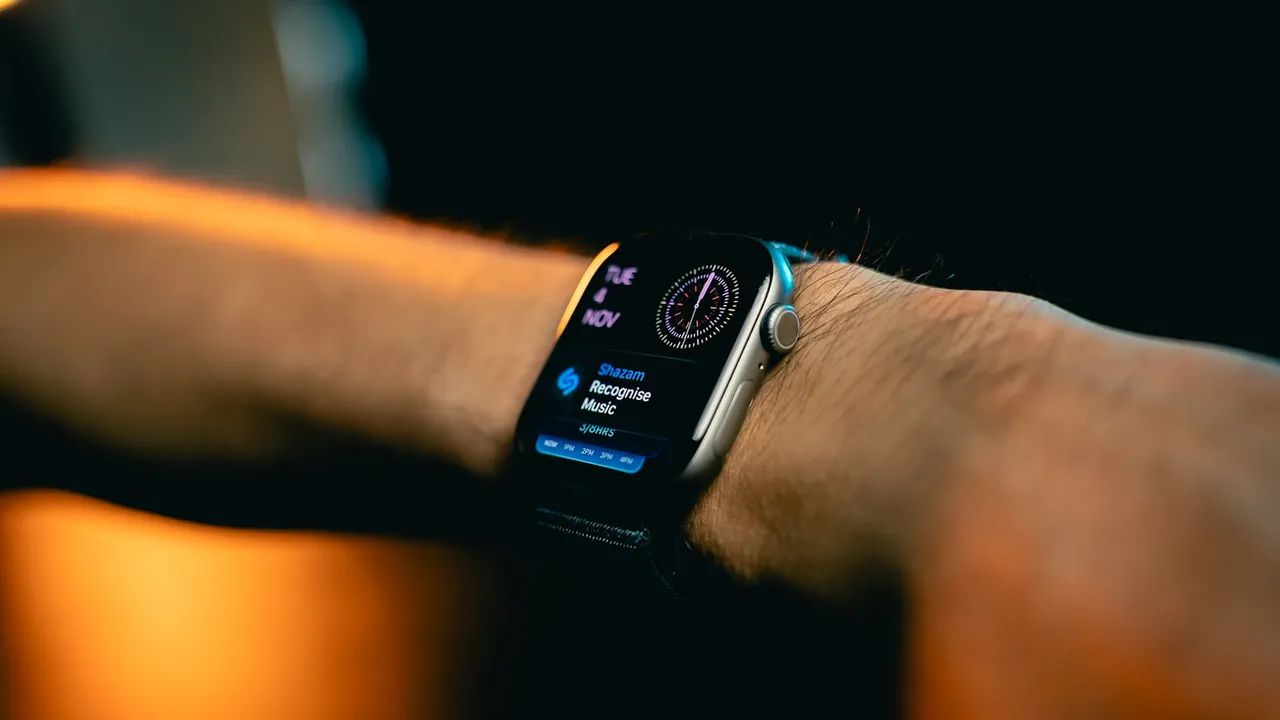

"Most coaches over-engineer the tracking side and under-engineer the experience side. A client who logs their RPE manually every session gives you better programming data than one who syncs a watch they charge twice a week."

How to Make a Fitness App Work Without an Apple Watch
Most of your clients don't own an Apple Watch — and your app shouldn't punish them for it. Here's exactly how to design or configure a fitness app that delivers the full experience regardless of what's on (or not on) their wrist.
Why So Many Fitness Apps Break Without a Wearable
Walk through the onboarding of almost any modern fitness app and you'll hit the same prompt: "Connect your Apple Watch" or "Allow access to Health data." That's not a coincidence. Most apps are built on top of HealthKit — Apple's system that pipes health data between your app and Apple devices. If your app requires HealthKit to function, every non-Apple user hits a dead end before they even start their first workout.
Platforms like Trainerize and Everfit lean on HealthKit and Google Fit integrations by default. The features still technically work without them, but the prompts, the empty dashboards, and the "no data yet" screens make the app feel broken. Your client doesn't message you saying "the HealthKit permission flow is confusing." They message you saying "the app isn't tracking anything."
That's the real problem: you don't find out until a paying client is already frustrated.
This is a delivery problem, not a client problem. Your programming is fine. The platform's defaults are working against you, and it's fixable at the design level — whether you're configuring an existing tool or building your own.
The Decision That Matters: Manual Input vs. Sensor-Dependent Tracking
Strip away the technical layer and the choice is simple. There are two ways an app captures what your client did:
- Sensor-dependent tracking — the app waits for hardware (watch, phone GPS, heart rate strap) to record data automatically.
- Manual input — the client logs reps, sets, RPE, or time themselves. No hardware required.
Coaches assume manual is the lesser option. It's not. For most strength, hypertrophy, and skill-based programs, manual input is more accurate than wrist-based sensors. A client logging "5 reps at RPE 8" gives you a cleaner signal than a watch guessing calorie burn from arm movement.
Where wearable data genuinely earns its keep is narrow: endurance pacing, HRV-based recovery protocols, sleep tracking. If you're not coaching ultra-marathoners or programming HRV-guided deloads, the wearable is decoration.
And here's the bit most coaches miss: if you're building sport-specific programs — cycling power targets, surfing pop-up reps, postpartum core recovery, return-to-play criteria after an ACL — you need custom fields that no wearable tracks anyway. Generic platforms can't capture the metric your programming actually depends on. Which is exactly why owning your delivery layer matters more than chasing sensor integrations.
How to Set Up a Fitness App Without Apple Watch (Platform-by-Platform)
If you're already on a white-label tool, here's what to configure today.
Trainerize
- Disable the "Activity" tab integration prompt in client settings so Android and non-Watch users don't see broken sync prompts.
- Use the "Habits" and "Check-in" modules as your manual tracking layer — they require no hardware.
- Workout completion can be logged without any wearable. Confirm this is the default flow for new clients before you send the welcome email.
Everfit
- Everfit's workout logger is natively manual-first — clients can mark sets complete without a wearable connected.
- Nutrition and step tracking pull from Google Fit or Apple Health optionally. Make these optional, not required, in onboarding.
- Set expectations in your welcome message: "You don't need a smartwatch. Here's what to log, and how often."
TrueCoach
- TrueCoach is video + messaging-first. Tracking is coach-assigned, not sensor-driven — naturally watch-agnostic.
- Use the notes field on each exercise as your RPE/feedback capture. Zero hardware dependency, and you get richer feedback than any biometric.
If You're Building Your Own App
- Design data inputs as form fields first. Add optional sensor hooks later.
- Read the full breakdown of your app architecture options in the coach's complete guide before you commit to a stack.
- The FitDev starter codebase is built manual-input-first for exactly this reason — wearable integrations are additive, not foundational. The order matters: build the coaching layer, then layer hardware in for the clients who want it.
Making the App Work Without a Watch on Android Devices
Apple Watch is iOS-only. Every Android client is automatically watch-free, and depending on your audience that's anywhere from 30% to 70% of your roster. Globally, Android dominates — if you coach internationally, this is a bigger gap than most coaches realize.
Google Fit is Android's equivalent data layer. The catch: its integration quality varies wildly across white-label platforms, and the failure modes are silent. Steps don't sync. Workouts don't appear. Clients shrug and stop logging.
Here's the test: does your app's workout logger function end-to-end on a mid-range Android phone — a Samsung Galaxy A-series or a Pixel 6a — with no wearable connected? Don't assume. Buy a $30 prepaid SIM, borrow an Android handset, and run through your own onboarding before you charge another client.
If you're building, the rule is simple: don't assume HealthKit availability. Write fallback logic that defaults to manual entry. That's one decision at the code level that protects every Android client automatically — and it's the kind of default that disappears completely when you're renting your delivery layer from someone else.
What to Track Instead (And How to Make It Feel Complete)
Here's the reframe: most wearable metrics aren't actually useful for programming decisions. The data points that move the needle are coaching-grade, not sensor-grade.
- RPE (Rate of Perceived Exertion) — a 1–10 scale logged by the client tells you more about readiness than a heart rate average ever will.
- Reps in Reserve (RIR) — standard in evidence-based hypertrophy programming. Requires zero hardware.
- Session photos or video clips — more useful for form coaching than any biometric. A 10-second clip of a squat tells you more than a week of HR data.
- Check-in forms — weekly subjective data on sleep, stress, and soreness outperforms daily wearable noise for program adjustment.
- Completion streaks — behavioral consistency is the highest-value data you can collect, and it's fully manual.
The coaches who built genuinely scaled businesses didn't win on biometrics. Kayla Itsines built Sweat into a $400M exit on community, completion, and before/after photos. The Centr team built a $200M business around guided sessions, not wrist data. The engagement loop that scales is human, not sensor.
FAQ
How do I make a fitness app work without a watch for clients who ask about heart rate?
If a client genuinely needs heart rate data — most don't — point them at a Polar H10 chest strap ($90). It pairs via Bluetooth to most apps and is dramatically more accurate than any wrist-based optical sensor.
Phone-camera HR (photoplethysmography, where the camera reads pulse from a fingertip) exists in some apps, but it's unreliable during exercise. Be honest with clients about its limits.
For most training goals, HR is a proxy metric. RPE and performance progression are the primary signals. Coach to those and the watch question fades on its own.
How do I set up a fitness app without Apple Watch during client onboarding?
A short checklist that eliminates the question before it becomes a support ticket:
- Ask device type in your intake form (iOS / Android / no smartphone preference).
- Send a one-paragraph "what you need to use this app" note that explicitly says no wearable required.
- Walk through the first workout log with new clients live, or via a 2-minute Loom video.
The Loom video alone will cut your onboarding messages by half.
Can a fitness app work without any phone sensors at all?
Yes — if the app is designed for offline-capable manual input. This matters for clients with older phones, privacy-focused users, or anyone training in a basement gym or rural area with patchy connectivity.
Progressive Web Apps (PWAs) — websites that behave like installable apps and work offline — are a practical build option for coaches who want maximum device compatibility without shipping native iOS and Android builds. Offline sync is a feature decision at the build stage; it's not automatic on most white-label platforms, so check before you assume it works.
Does building my own app make it easier to support clients without Apple Watch?
Yes, because you control the defaults. You're not working around another platform's assumptions about what a "complete" workout log looks like.
The coach's complete guide to making a fitness app covers where this decision sits in the build sequence. Coaches on the FitDev waitlist get a starter codebase where manual input is the baseline and wearable support is opt-in — the right order of operations for a coach whose clients live across iOS, Android, and the gym floor with a beat-up phone in their bag.
Build for the client you actually have, not the client the platform assumes you have.