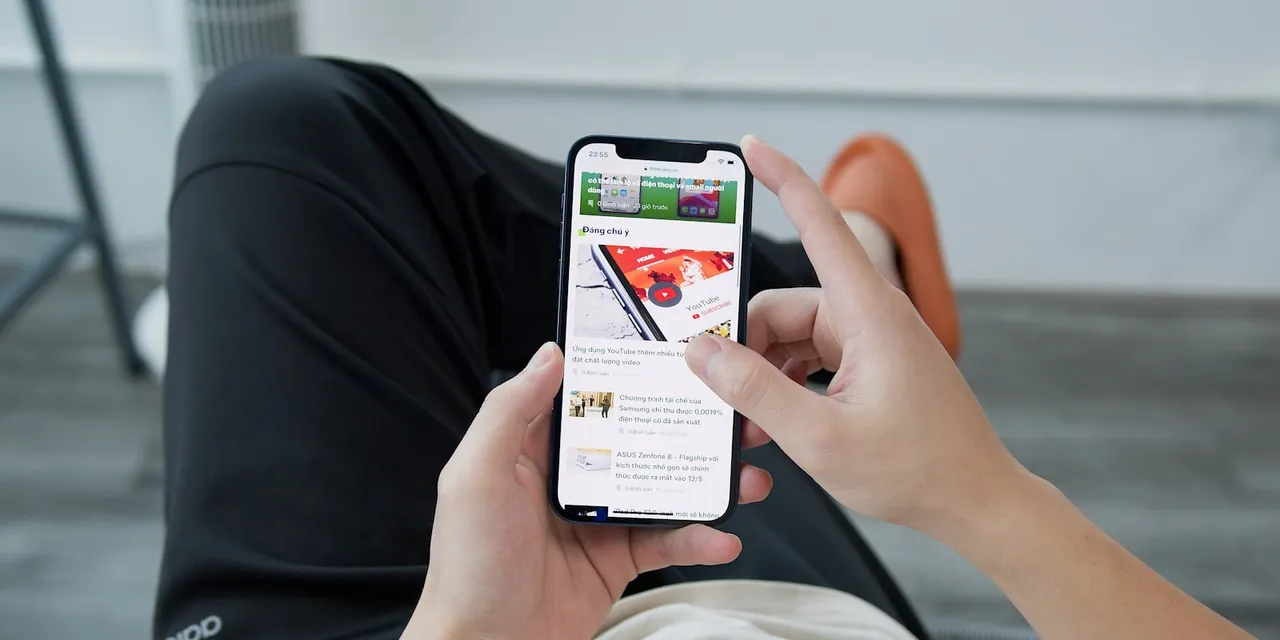

How to Set Up a Fitness App on iPhone (And What the Process Reveals About Your Platform)
Most setup guides are written for end users. This one is written for the coach who needs to understand the setup experience from both sides — because how your clients onboard is the first impression your brand makes.
What "Setting Up" Actually Means for a Fitness App
There are two different setup problems hiding under the same question, and conflating them will cost you time and money.
The first is the renting path: you've signed up for Trainerize, Everfit, or TrueCoach, and now you need your clients to install that platform's app on their iPhones, create accounts, and pair with you as their coach. The setup is mostly out of your hands — you inherit whatever flow the vendor designed.
The second is the owning path: you've built (or are building) a branded app that lives in the App Store under your name, and you need clients to install your app and onboard into your programming. Same iPhone, completely different business position.
Setup is a product decision, not a technical afterthought. Industry research on mobile apps consistently shows that 60–70% of users who download a fitness app never finish onboarding. Every permission popup, every email confirmation, every "enter your invite code" screen is a moment a client can vanish — before they ever see the programming you spent years getting good at.
In plain terms, "setup" on an iPhone covers four things: an Apple ID (the account that lets them download anything), the App Store install, iOS permissions (Health, notifications, camera), and the in-app account creation flow. The mechanics are the same whether the app is yours or rented. The leverage you have over them is not.
How to Set Up a Third-Party Fitness App on iPhone (The Renting Path)
If you're evaluating platforms like Trainerize or Everfit, here's the exact sequence your clients will go through — and the friction points that are out of your control.
Step 1: Download from the App Store
Client opens the App Store, searches the platform name (e.g., "Trainerize"), confirms the publisher to avoid clones, and taps Get. The screen they see — icon, screenshots, app name, developer — is the platform's branding, not yours. Worth registering: your client's first impression is of someone else's product, and your name is buried inside it.
Step 2: Grant iPhone Permissions
iOS will ask for several permissions in the first session:
- Health app integration via HealthKit. HealthKit is Apple's system that lets apps read and write fitness data — steps, heart rate, sleep, workouts — from the iPhone's built-in Health app. If your client taps "Don't Allow," none of their watch or phone activity will flow into the platform.
- Notifications. This is the single most underrated step. Clients who skip notifications miss workout reminders and check-ins, and adherence drops within two weeks.
- Camera and photo access. Required if the platform supports form-check video uploads.
Step 3: Account Creation and Coach Connection
The client creates an account, then enters an invite code or follows a referral link you sent them. The platform pairs them to you as their coach, and your assigned programming appears on their device.
This is where the rented model shows its teeth. If Trainerize decides next quarter to add an extra step, change the invite flow, or A/B test a new welcome screen, you find out when your clients do.
Step 4: Syncing with Apple Fitness and Health Data
Most platforms request a HealthKit handshake during onboarding. To set up Apple Fitness app data syncing on iPhone, the client toggles on the specific data categories the platform asks for (workouts, heart rate, active energy, etc.).
Common failure point: a client tapped "Don't Allow" on Health permissions during install, and now their workouts aren't syncing. The fix lives at Settings → Privacy & Security → Health → [App Name]. Save that path — you'll send it to clients regularly.
"The setup experience is where your brand promise either lands or leaks. If a client has to navigate three permission screens and an invite code before they see a single workout you wrote, you've already asked them to trust the platform more than they've had a chance to trust you."

How to Make a Fitness App on iPhone Actually Work After Install
Setup isn't done when the app opens. These are the configuration steps most coaches forget to tell clients about, and they're the reason "the app doesn't work" support tickets pile up.
- Background App Refresh must be ON. Otherwise workout reminders and program updates won't push when the app is closed. Path: Settings → General → Background App Refresh.
- Low Power Mode conflicts. When iPhone battery dips below 20%, Low Power Mode pauses background activity. Clients on older devices — iPhone SE, iPhone 11 — sit in Low Power Mode constantly and wonder why their app feels broken.
- Notification grouping. iOS groups notifications by app, which buries your coaching check-in alerts under a stack. Tell clients to go to Settings → Notifications → [App] → Notification Grouping → Off, and set delivery to "Immediate." Two taps, massive difference in engagement.
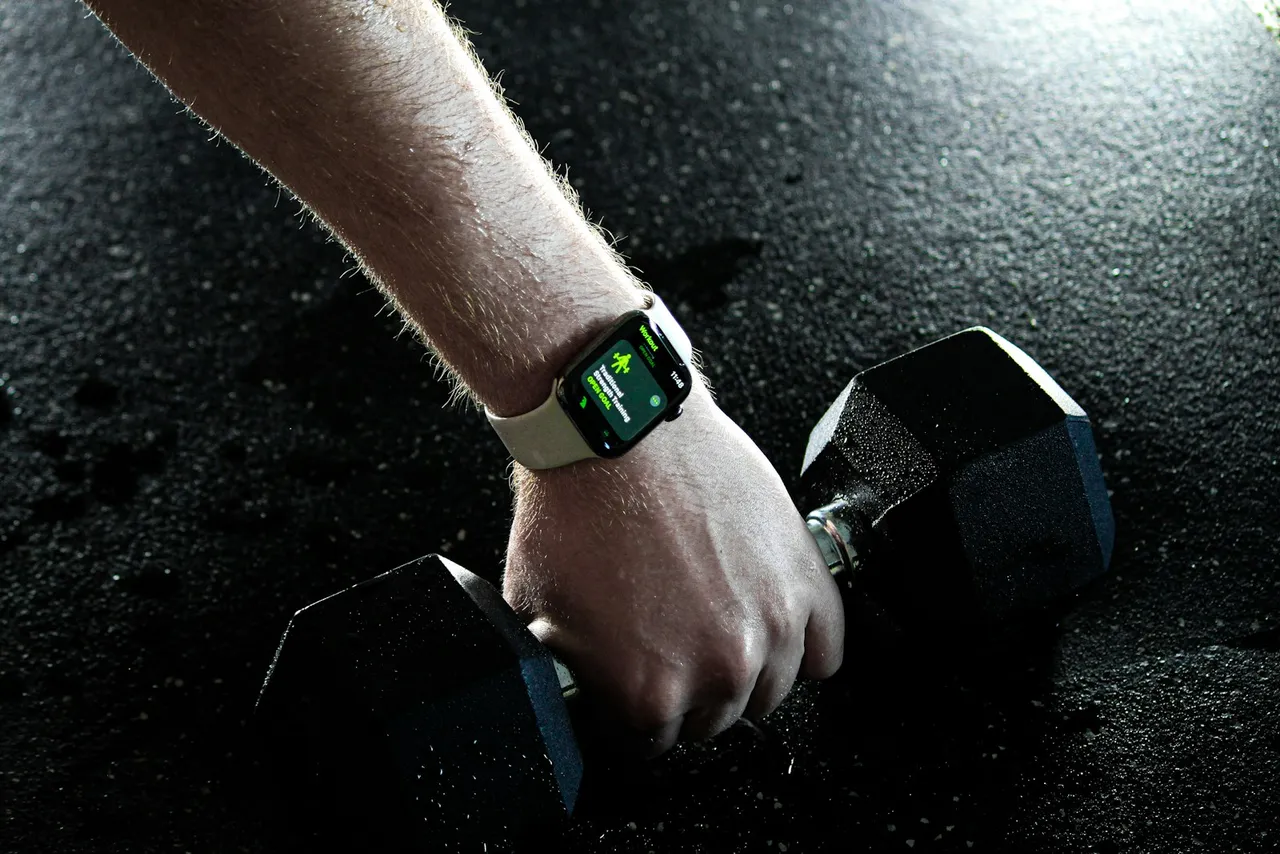
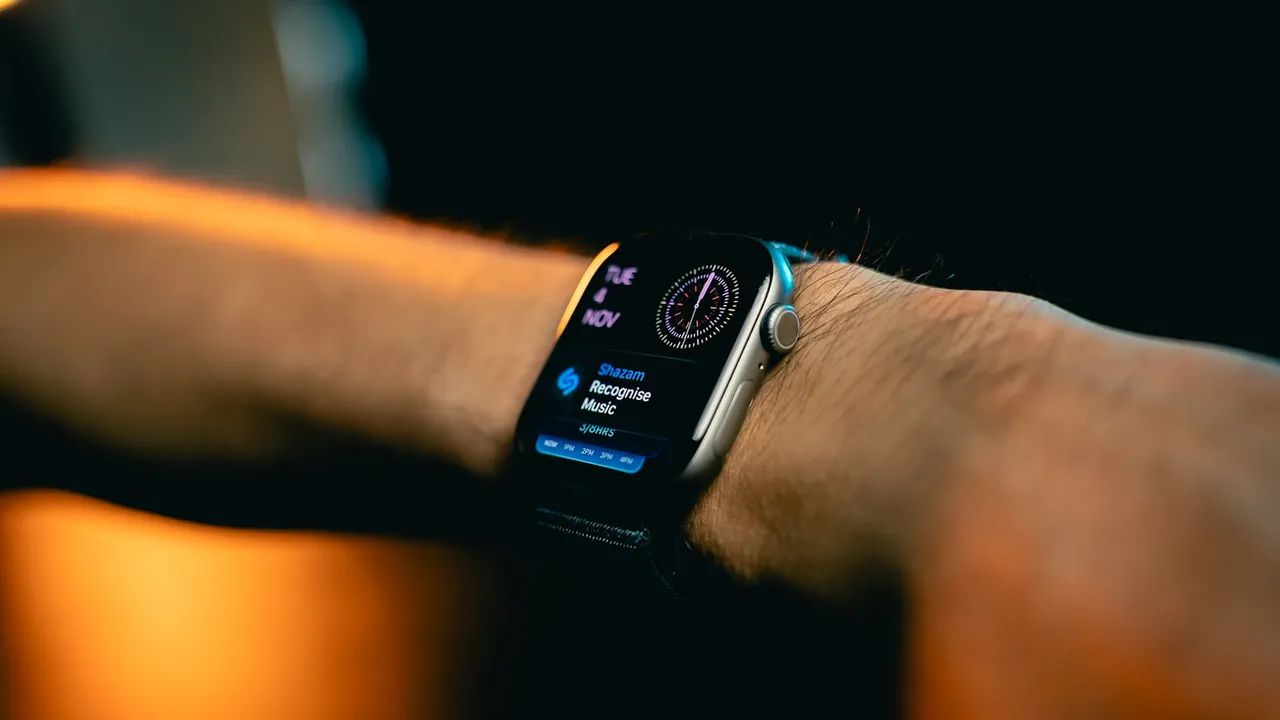
- Apple Watch pairing. If your programming relies on heart rate zones or workout tracking, the watch-to-phone-to-app sync needs to be clean. A broken handshake here means missing data, which means your data-driven programming gets blind spots.
If you're a coach who keeps repeating these instructions, that's a signal: the friction belongs in the product, not in your DMs. A well-designed first-run experience walks the client through every one of these toggles automatically. Rented platforms rarely do this well because their onboarding has to serve thousands of coaches at once. Yours only has to serve your clients.
Setting Up Apple Fitness+ vs. a Coach-Built App: Understanding the Difference
This question comes up constantly: a client asks "can I just use Apple Fitness for your program?" The answer requires a distinction most people miss.
Apple Fitness app is the built-in iOS app that displays Activity rings, workout history, and Health data. It's free and pre-installed.
Apple Fitness+ is Apple's $9.99/month subscription to Apple's own trainers — Jeanette Jenkins, Kim Ngo, and a roster Apple hires. It's a content product, not a platform you can coach through. You cannot upload programs to it. You cannot get paid through it.
When a client asks if they can use Apple Fitness for your program, redirect: Apple Fitness+ is content from Apple's trainers; your program lives in a separate app. Your branded app can read from and write to Apple Health (so the client's ring data and your programming live in the same place), but the coaching itself happens in your app, not Apple's.
Coaches building their own app via something like FitDev's starter codebase + course publish to the App Store the same way any other developer does. Clients find it by searching your brand name, install it, and grant permissions exactly like they would for Trainerize — except every screen, color, push notification, and onboarding question is yours.
The Setup Experience as a Business Signal
Every click your client makes during setup is a moment they could leave. When you own the app, you control that flow. When you rent, you don't.
The math compounds quickly. If 60% of downloads never finish setup on a generic platform, and a redesigned, branded onboarding pulls that number to 80%, you haven't just gained 20 percentage points — you've doubled your activated client base from the same marketing spend. That's the reason Centr, Sweat, and MyFitnessPal sold for $200M, $400M, and $475M respectively. None of those exits happen on rented infrastructure.
White-label platforms let you swap a logo, maybe pick a color. You cannot:
- Change the order of onboarding questions
- Add a sport-specific intake (surfing mobility screen, postpartum readiness questionnaire, masters-cycling FTP test)
- Skip steps your audience doesn't need
- A/B test different first-week experiences
- Send a custom welcome video before the permission prompts
Specificity is what makes coaching work. A surf-conditioning client doesn't need the same intake as a powerlifter, and a 58-year-old returning to training doesn't need the same first session as a 24-year-old hybrid athlete. Generic platforms flatten that into one flow because they have to. Owning your app is what lets your unique programming show up from the very first tap.
The full picture of building vs. buying a fitness app lives in the complete guide — this setup question is just one layer of that decision, but it's a layer your clients feel before they ever see your programming.
FAQ
How do I set up a fitness app on my phone if my clients use Android?
The flow is similar — Play Store install, account creation, permissions — but the permission model differs. Android uses Google Fit instead of Apple Health for the data layer, and notification settings are managed per-app in Android's Settings → Apps menu. The core principle is identical: every permission your client doesn't grant is a feature of your program that won't work for them. If you're shipping your own app, you'll build for both platforms; if you're renting, the vendor handles cross-platform parity (with all the trade-offs that implies).
Why isn't my fitness app working after I set it up on iPhone?
Five common failures, all fixable in under two minutes:
- Health permissions denied. Settings → Privacy & Security → Health → [App] → toggle on the data categories.
- Background App Refresh off. Settings → General → Background App Refresh.
- Notifications muted or grouped. Settings → Notifications → [App] → Allow Notifications + Immediate Delivery.
- Account pairing failed. Re-enter the invite code, or have the coach re-send the link.
- Apple Watch sync broken. Open the Watch app → My Watch → Privacy → Health, confirm the app has permission.
How do I connect a fitness app to the Apple Fitness app on iPhone?
Open the app, go to its Settings or Profile, find "Connect to Apple Health" (sometimes called "HealthKit"), and toggle on the data categories you want shared — usually Workouts, Active Energy, Heart Rate, and Steps. To verify, open the iPhone Health app → Sharing tab → Apps → confirm your fitness app appears with the right permissions. That two-way handshake is what lets your coaching app see ring closure and write workouts back into Apple's ecosystem, so the client's data stays in one place.
Can I set up my own branded fitness app on the iPhone App Store?
Yes. The path involves an Apple Developer account ($99/year), TestFlight for beta testing with a small group of clients before public launch, and an App Store review submission (typically 24–72 hours for approval). You don't need to write the code from scratch — modern starter codebases handle the heavy lifting (auth, payments, programming delivery, video, push notifications), and AI tooling fills in the gaps. The blocker for most coaches isn't engineering talent. It's not having a sequenced path from "I have an audience" to "my app is live." That path is what FitDev was built to provide — coaches on the FitDev waitlist typically ship in around 30 days.